
Introduction
You open an AI tool and type a question. A few moments later, a response appears. It looks simple from the outside. But behind that interaction, there is an important distinction that affects what the system can and cannot do.
Some AI systems work only with the text you provide in the moment. They have no memory, no tools, and no access to external information. These are called base AI models. Other systems are built on top of base models but are connected to additional capabilities such as memory, file access, code execution, or integrations with other software. These are called tool-connected AI systems.
Understanding the difference between these two types matters for one practical reason: it changes how you should write your prompts. When you know which type of system you are using, you can design your prompts to work with what the system actually has access to, rather than assuming capabilities it may not have.
This article breaks down the base vs tool-connected AI framework, explains what each type can and cannot do, and shows you how this distinction shapes prompt design.
The Framework: Two Types of AI Systems
The terms 'base AI model' and 'tool-connected AI system' refer to two distinct levels of access an AI system can have during an interaction.
Base AI Models
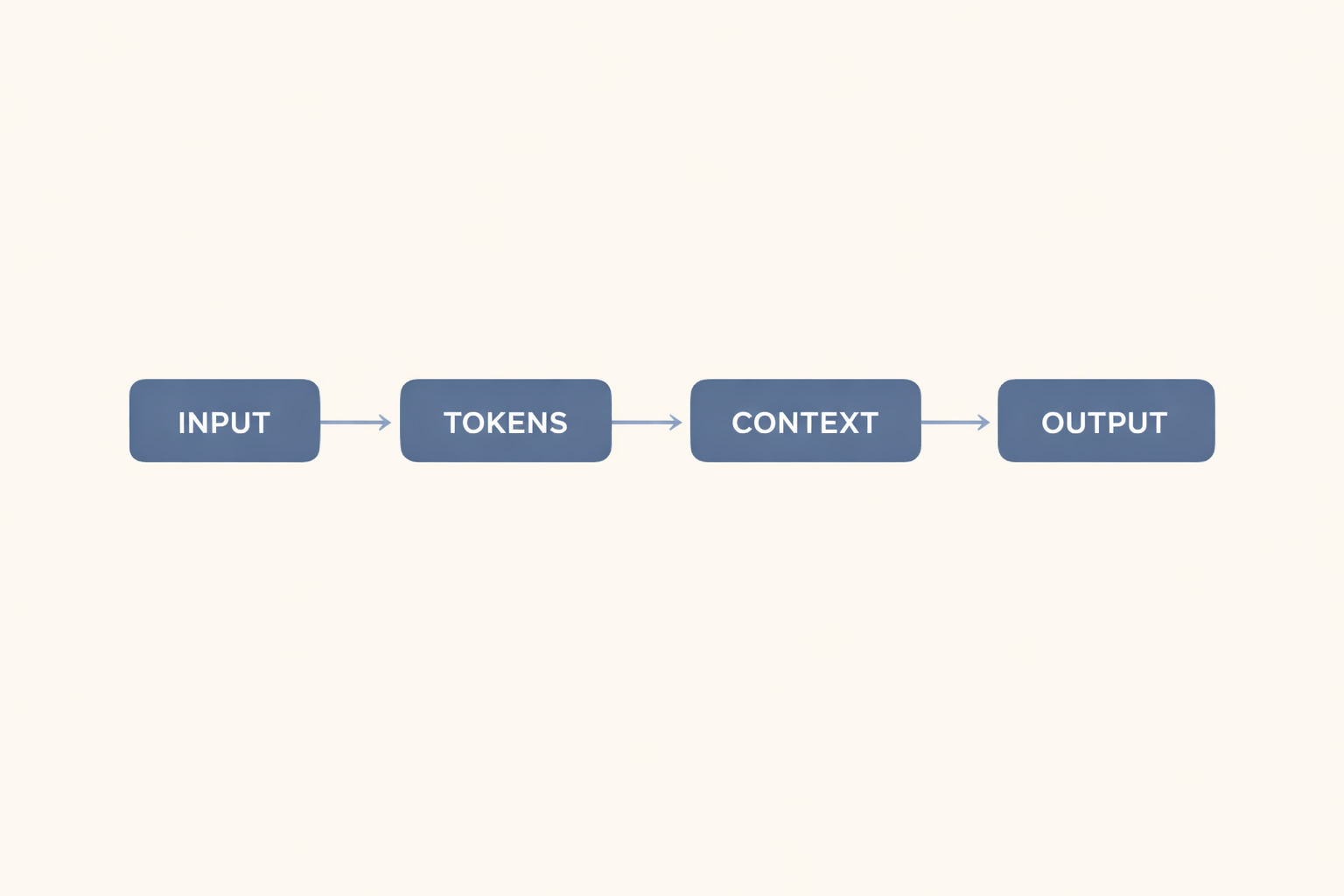
A base AI model is a text-only system. It receives your prompt, processes it using patterns learned during training, and generates a response. That is the full extent of its operation.
Base AI models have three defining characteristics:
- No tool access. The model cannot run code, search the web, or call external services.
- No memory. Each session starts fresh. The model has no access to prior conversations.
- No real-time data. The model works only from its training data. It does not know events after its training cutoff.
When you work with a base AI model, everything the system needs to produce a useful output must come from your prompt. If important context is missing, the model will still work. It will not retrieve the missing information on its own.
Tool-Connected AI Systems
A tool-connected AI system starts with a base model but adds capabilities through platform design. The tools available depend on the platform, the product, and how the session is configured.
Examples of capabilities that tool-connected systems may include:
- Memory: the system may retain information across sessions or recall earlier exchanges within a session
- Web search: the system may retrieve current information from the internet
- Code execution: the system may run code and return the output
- File access: the system may read documents or data files provided in the session
- External integrations: the system may connect to third-party tools, databases, or services
These capabilities come from the platform, not the base model itself. A tool-connected system is a base model plus additional infrastructure. When those tools are not active in your session, the system behaves like a base model.
Always check which tools are actually available in your specific session before assuming they are in use.
Side-by-Side Comparison
| Characteristic | Base AI Model | Tool-Connected AI System |
|---|---|---|
| Memory across sessions | Not available. Each session starts fresh. | May be available, depending on platform design. |
| Real-time data access | Not available. Training cutoff applies. | May be available if web search is active. |
| Code execution | Not available. | May be available if the code tool is active. |
| File access | Not available without pasting content into the prompt. | May be available through file upload or integration. |
| External integrations | Not available. | May be available, depending on platform configuration. |
| What it relies on | Your prompt and its training data only. | Your prompt, training data, plus active tools. |
Note: Tool availability varies by platform, product tier, and session configuration. The columns above describe what each type may or may not include - not a fixed rule for every system.
Why This Distinction Matters for Your Prompts
Knowing which type of system you are working with changes what you put in your prompt.
Prompting a Base AI Model
With a base model, you are the only source of context. The model cannot look things up, recall earlier exchanges, or access external data. This means:
- Include all relevant background in the prompt. Do not assume the model remembers anything from a prior session.
- Provide the specific data you need analyzed. If the task involves numbers, documents, or external facts, paste them directly into the prompt.
- Avoid asking for real-time or current information. The model's knowledge has a training cutoff; it cannot retrieve up-to-date data.
Prompting a Tool-Connected AI System
With a tool-connected system, you may be able to reference external context - but only if the relevant tool is active in your session. Before relying on a tool's capability, confirm it is available.
- If memory is active, the system may recall earlier context. You can reference prior exchanges rather than repeating information.
- If web search is active, you can ask for current information. The system can retrieve it rather than relying solely on training data.
- If file access is active, you can ask the system to work with an uploaded document rather than pasting the full text.
Common Misapplications
Assuming the System Has Access It Does Not Have
This typically happens when someone prompts a base model as if it were tool-connected. Examples include asking the model to "check the latest figures" or "pull information from last week." A base model cannot do either. It will either refuse, acknowledge the limitation, or - in some cases - produce a plausible-sounding but inaccurate response drawn from training data.
The fix: Verify which tools are active before writing prompts that depend on them. If you are unsure, treat the system as a base model and include all context in your prompt.
Over-Explaining Context When Tools Make It Unnecessary
This happens in the other direction. Someone working with a tool-connected system that has active memory or file access keeps pasting large amounts of context into every prompt, as if the tools were not there.
This is less harmful than the first mistake, but it adds friction and can push against context window limits. If tools are active, use them as designed.
The fix: If tools are active, use them as designed rather than defaulting to base model habits.
When to Treat a System as a Base Model
Even when working with a tool-connected system, there are situations where treating it as a base model is the right approach:
- When you are unsure which tools are active in your current session
- When you need a specific, controlled output and want to eliminate variables
- When you are building a repeatable workflow and want consistent behavior across different systems or configurations
- When the task is self-contained and requires no external data
Defaulting to base model prompting practices - include all context, be specific, do not assume external access - tends to produce reliable results regardless of which system you are using. You can always adjust from that baseline when you confirm additional tools are available.
Key Takeaways
- A base AI model is a text-only system with no tools, no memory, and no real-time data access. It works entirely from your prompt and its training data.
- A tool-connected AI system adds capabilities - such as memory, web search, code execution, or file access - through platform design, not through the base model itself.
- When prompting a base model, include all relevant context in the prompt. The system cannot retrieve or recall what is not there.
- When prompting a tool-connected system, confirm which tools are actually active before writing prompts that depend on them.
- Defaulting to base model prompting practices is a reliable starting point for any system. You can build in tool-dependent prompts once you have confirmed what is available.



0 Comments