
Introduction
Most beginners assume the key to better AI output is finding the right technique. They search for the perfect prompt formula, the clever framing trick, or the advanced method that will finally make everything work. In practice, that search often leads them past the most important factor of all: structure.
Prompt structure is the foundation underneath every technique. A well-structured prompt tends to produce useful output even with a basic instruction. A poorly structured prompt often falls short, even when an advanced technique is applied to it. Understanding why structure matters - and how to build it - is one of the most practical skills you can develop as a prompt engineer.
This article explains what prompt structure is, why it typically outperforms technique alone for beginners, and how to use the four structural components that give any prompt its shape. You will also see practical before-and-after examples that show the difference structure makes. By the end, you will have a reliable foundation for every prompt you write.
What Is Prompt Structure - and Why It Matters
When we talk about prompt structure for better AI results, we mean the deliberate arrangement of a prompt's key components. Structure is not about length or complexity. It is about including the right information so the model has what it needs to generate a useful response.
Techniques - such as role prompting, few-shot prompting, or chain-of-thought - are methods you layer on top of a prompt. They can help refine output when your foundation is solid. But without that foundation, even the most sophisticated technique tends to produce inconsistent or off-target results.
Think of it this way: a technique is like choosing a tool for a job. Structure is making sure you have the right materials before you pick up the tool.
Chapter 3 of the Learning Prompt Engineering eBook opens with exactly this point. Before reaching for a technique, you need to ask whether your prompt has the right components. That check is where most prompt improvement actually happens.
The Four Components of a Well-Formed Prompt
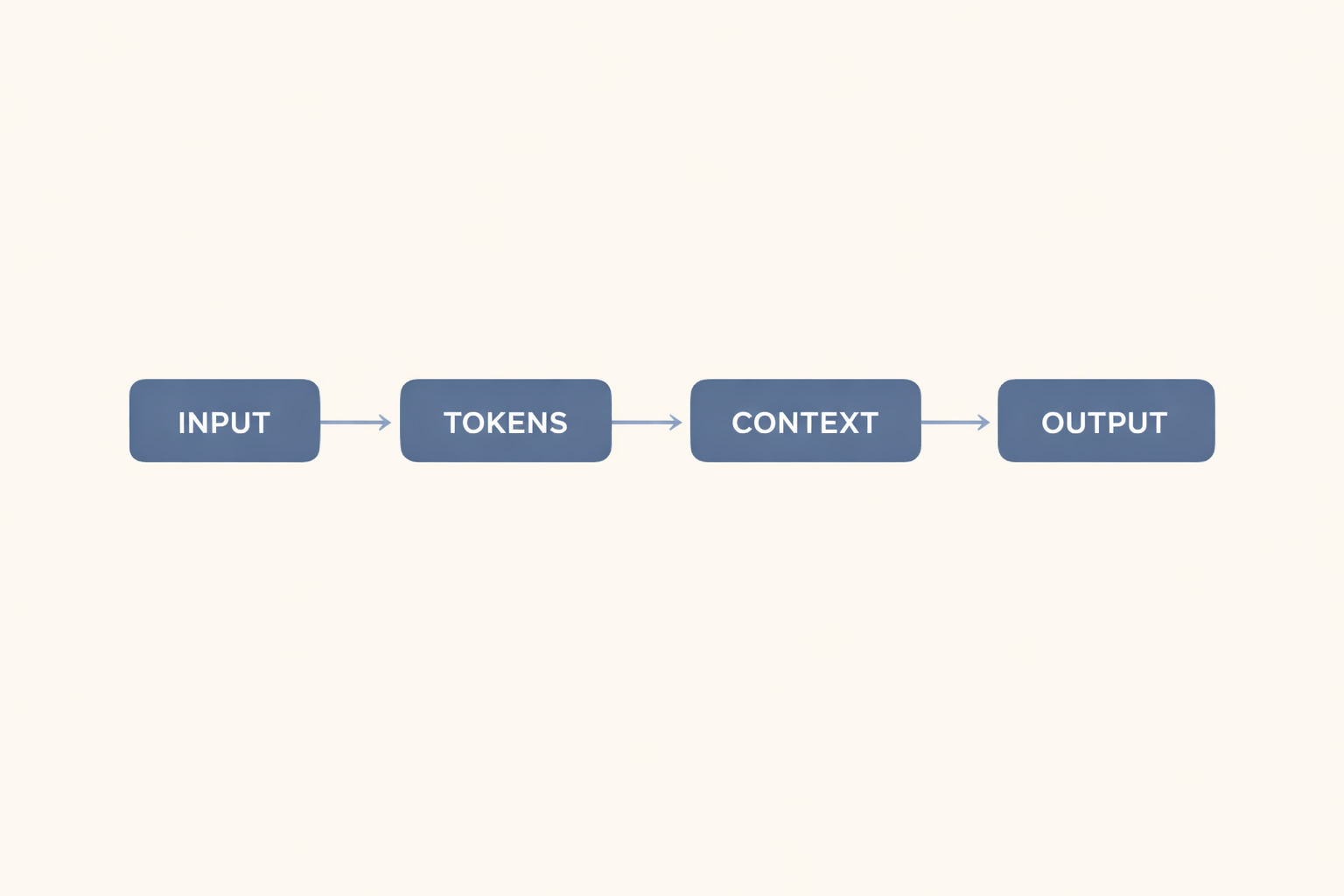
Every well-formed prompt can include up to four structural components. You do not need all four in every prompt. Some tasks work well with two or three. But knowing what each component contributes - and recognizing when one is missing - helps you identify why a prompt is falling short.
Here is what each component does:
Instruction - Tells the model what action to take. This is the core directive in your prompt. Without it, the model has no clear task.
Input - Provides the content or data for the model to work with. This is the material the model is applying to its task.
Context - Gives background that shapes how the model should approach the task. Context tells the model who the response is for, what it will be used for, or what constraints apply.
Output Format - Specifies how the response should be structured. This might be a list, a table, a set number of paragraphs, or a word count limit.
Notice that most casual prompts contain only the instruction - and sometimes a fragment of input. Context and output format are the components most often skipped, and they are frequently the ones that matter most for practical, real-world tasks.
You do not need to label these components in your prompt. In practice, you would write the prompt naturally and include each element. The labels exist to help you see what is there - and what might be missing.
Structure vs. Technique: Two Illustrations
Two real-world examples from Chapter 3 illustrate why structure tends to matter more than technique for beginners.
Example 1: The Social Media Caption
A marketing coordinator was using AI to draft social media captions. The results felt too long and generic. She had heard about few-shot prompting - a technique that involves providing examples to guide the model - and tried it. Her results improved slightly but remained inconsistent.
What she eventually discovered had nothing to do with technique. Her original prompts read: "write a caption for our new product launch." She was not telling the model how long the caption should be, what format it should follow, or which platform it was for.
When she added one structural line - specifying the platform, the length limit, and the desired ending - her results improved noticeably. The output format instruction, not the technique, was the missing piece.
That improvement was not guaranteed on every attempt. The model does not always follow the length instructions precisely. But in many cases, specifying the format tends to produce more consistently usable results than adjustments to technique alone.
Example 2: The Academic Summary
A graduate student was using AI to summarize academic papers for a literature review. The summaries came back too technical and assumed specialist knowledge. He rephrased his instructions multiple times with no meaningful improvement.
The fix was structural. When he added a context line - explaining that the summary was for readers with a general background rather than specialists - the model's output often shifted toward the accessible summaries he needed. Adding audience context to the prompt tends to orient the output toward the reader, not just the subject matter.
In both cases, the improvement came from filling a structural gap, not from applying a more advanced technique.
Before-and-After: Structure in Practice
The following examples show the difference that structure makes. Each pair includes an unstructured prompt and a structured version of the same request.
Example A: Writing a Business Email
Example B: Summarizing a Report
Common Structural Mistakes
Three structural errors account for most prompt failures. Learning to spot them - and apply the straightforward fix - tends to reduce the amount of revision your workflow requires.
Mistake 1: Omitting Context
What it looks like: "Write a summary of this article." [Article pasted below]
Why it reduces output quality: Without context, the model has no basis for determining the purpose of the summary, the intended reader, or the appropriate level of detail. It defaults to a general summary that may not fit the situation.
Fix: Add one line that explains who will read this and what it will be used for. Example: "Write a summary of this article for inclusion in a weekly internal newsletter for non-specialist staff. Keep it under 100 words and avoid technical jargon."
Mistake 2: Skipping the Output Format
What it looks like: "List the pros and cons of remote work."
Why it reduces output quality: When the output format is unspecified, the model generates its own structure. You might receive a flowing essay, an uneven list, a table, or a set of headers. For any task where you plan to use the output directly, an unexpected format means extra editing time.
Fix: Add explicit format instructions. Example: "List the pros and cons of remote work. Use two columns: Pros and Cons. Include five points in each column. Keep each point to one sentence."
Mistake 3: Using Vague Instructions
What it looks like: "Make this better."
Why it reduces output quality: The model has no shared definition of "better" to reference. It may improve tone while ignoring structure, or fix grammar while changing meaning. Vague instructions produce outputs that reflect the model's interpretation, which may not match yours.
Fix: Replace the gap with a specific instruction. Example: "Rewrite this paragraph to improve clarity. Use shorter sentences. Keep the meaning the same. Do not add new information."
Each of these corrections follows the same principle: replace ambiguity with intention. You are not adding complexity - you are giving the model the information it needs to generate something useful.
Where Technique Fits In
This article is not suggesting that techniques are useless. Techniques like few-shot prompting, role prompting, and chain-of-thought prompting can meaningfully improve output - but only when your structural foundation is already in place.
If your prompt lacks context or an output format, adding a technique is unlikely to make up for it. The model will still be working with incomplete information. On the other hand, a well-structured prompt often produces good results with no technique at all.
A practical approach: start by building the structure. Define the task, the audience, and the format. Test it. Adjust based on what the output is missing or getting wrong. Once your structure is solid, techniques become tools for refinement rather than remedies for missing information.
This sequence - structure first, technique second - tends to reduce iteration time and produce more consistent results across different tasks and contexts.
Key Takeaways
- Prompt structure for better AI results depends on including the right components - not on applying advanced techniques. Structure is the foundation.
- A well-formed prompt can include four components: instruction, input, context, and output format. You do not need all four every time - but knowing what each contributes helps you identify what is missing.
- Context and output format are the components most often skipped, and frequently the ones that matter most for practical tasks.
- Three structural mistakes account for most prompt failures: omitting context, skipping the output format, and using vague instructions. Each has a direct, structural fix.
- Techniques work best when they are applied on top of a solid structural foundation - not as a substitute for it. Start with structure, then refine with technique.
What to Do Next
Take one prompt you are currently using - for work, study, or a personal project - and check it against the four structural components: instruction, input, context, and output format. Identify which components are present and which are missing. Add the missing elements and run it again.
That single exercise tends to produce noticeable improvements without any change in technique at all. It is the fastest way to apply what this article covers.
When you are ready to go deeper, the next article in this series - The 4 Components of a Well-Formed Prompt - walks through each structural component in detail, with examples across multiple task types.



0 Comments