
Introduction
Most prompt engineering guidance focuses on text tasks. Ask AI to write, summarize, or explain something - and the advice tends to follow the same familiar path. But modern AI systems go further than text. You can prompt image generation models to create visuals. You can prompt code-capable AI to write or debug functions. And across all three task types, the same four structural components apply.
Understanding how prompt structure for text, image, and code works - and where each task type places the most weight - is one of the most practical skills you can develop. It means you do not need to learn a different approach for every tool you use. You build a shared anatomy once and apply it with adjustments.
This article walks through all three task types, shows you a labeled prompt example for each, and explains which structural component matters most in each context. If you are already familiar with the four components from Chapter 3, this is where that foundation connects to real applications.
A Quick Recap: The Four Prompt Components
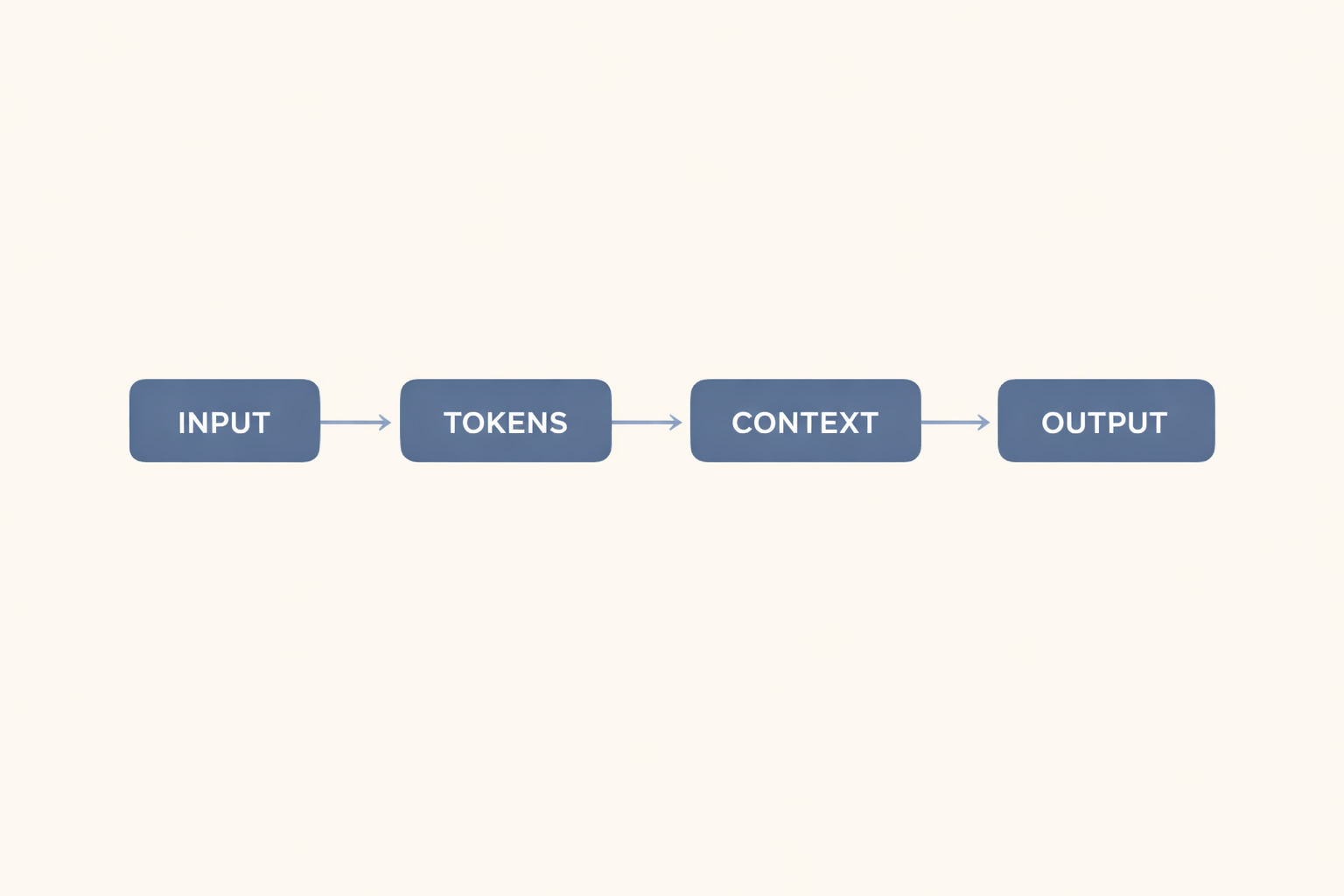
Before moving to the examples, here is a brief reference. Each well-formed prompt can contain up to four components (introduced in Chapter 3):
Instruction - Tells the model what action to take.
Input - Provides the content or data for the model to work with.
Context - Gives background information that shapes how the model should approach the task.
Output Format - Specifies how the response should be structured.
You do not need all four in every prompt. But knowing what each component does - and recognizing when one is missing - helps you write prompts that tend to produce more usable results on the first attempt.
Task Type 1: Text Generation
For text tasks, the component that matters most is the output format.
When the output format is unspecified, the model often defaults to paragraph form. That default may work for some tasks. But for anything you plan to use directly - a summary to send to a team, a report section to paste into a document, a list to include in a slide - an unexpected format means extra editing time.
Text Example: Summarizing a Meeting Transcript
| Prompt | [INSTRUCTION] Summarize the key decisions made in this meeting. [INPUT] [Meeting transcript pasted here] [CONTEXT] This summary will be shared with team members who did not attend. Focus on decisions made, not general discussion. [OUTPUT FORMAT] Present the summary as a numbered list of decisions. Include one sentence of supporting context for each. |
| Expected Output | A numbered list of meeting decisions, each followed by one supporting sentence explaining the decision or its rationale. |
| Note | Without the output format component, the model may return a flowing paragraph summary - readable, but not immediately usable as a quick reference. The numbered list instruction tends to produce more scannable output for a team that needs to act on decisions quickly. |
What to notice: The instruction is simple. The input is the transcript. The context clarifies the audience and purpose. The output format is where the real specificity lives - and it is the component most likely to determine whether the output is immediately usable.
Task Type 2: Image Generation
Image generation tools accept text prompts and return visual output. They are typically tool-connected AI systems - they do not simply generate text that describes an image. They produce the image itself. This distinction matters: the same four components apply, but the way the model uses them differs from text-based generation.
For image prompts, context tends to shape the output most strongly. The purpose of an image - whether it is for a product listing, a social media post, or a presentation slide - affects composition, background, lighting, and overall feel. Two prompts with identical instructions but different contexts can produce noticeably different images of the same subject.
Image Example: Creating a Product Photo
| Prompt | [INSTRUCTION] Generate a product photo of a reusable water bottle. [INPUT] The bottle is matte navy blue, 750ml, with a bamboo lid and a minimalist label. [CONTEXT] The image is for an online store product listing. It should feel clean and professional, not social-media-styled. [OUTPUT FORMAT] White studio background, soft shadow, bottle centered and slightly angled to show the lid. |
| Expected Output | A clean, professional product photo with the bottle centered against a white background, soft directional shadow, and the lid visible at a slight angle. |
| Note | The context component - "for an online store product listing, not styled for social media" - tends to shift the output significantly. Without it, an image model may produce a lifestyle-styled image with a natural background. The context anchors the visual purpose and helps the model select an appropriate composition. Results vary by tool and model version. |
What to notice: The input describes the physical product. The context defines the intended use. The output format specifies the visual composition. Together, they give the model enough to produce a result close to what you need - without requiring multiple revision cycles.
Task Type 3: Code Generation
For code tasks, the instruction component needs to be precise. This is where vague prompts tend to cause the most problems.
"Write a function to handle some data" leaves too much open. A code generation model may produce a function that technically works - but uses the wrong language, the wrong structure, or assumes inputs you did not intend. Precision in the instruction reduces the gap between what you ask for and what you get.
Code Example: Writing a Data Cleanup Function
| Prompt | [INSTRUCTION] Write a Python function that cleans a list of strings. [INPUT] The list contains customer names that may include leading or trailing spaces, inconsistent capitalization, and occasional empty strings. [CONTEXT] This function will run as part of a data import pipeline. It should not raise errors on empty input. [OUTPUT FORMAT] Return clean code only - no explanations. Include a brief inline comment for each step. Function name: clean_names. |
| Expected Output | A clean Python function named clean_names that strips whitespace, normalizes capitalization, filters empty strings, and includes brief inline comments - no accompanying explanation text. |
| Note | The output format component does double duty here: it specifies code style (clean code only, no explanations) and the naming convention. Without these details, a code model may return the function wrapped in a prose explanation or use a different function name - both of which require editing before the code is usable in a pipeline. |
What to notice: The instruction is specific about the language and the task. The input describes the data conditions. The context states where the function will run and what error handling is required. The output format controls code style and naming. All four components are in use - and each one is doing real work.
Comparing the Three Task Types
Across text, image, and code tasks, the four components are consistent. What shifts is which component tends to carry the most weight.
| Task Type | Component That Tends to Matter Most | Why |
|---|---|---|
| Text generation | Output format | Determines the structure and usability of the output directly. |
| Image generation | Context | Shapes purpose, tone, and visual composition. |
| Code generation | Instruction | Precision here reduces ambiguity in logic and scope. |
This is not a fixed rule. Depending on the specific task, any component can become the critical one. A text summary with a complex audience constraint may rely more on context. A code task with unusual output requirements may depend on a detailed output format. These tendencies are starting points - not guarantees.
The goal is to ask yourself, for any task: which component is most likely to be the weak point in my current prompt? That question, applied consistently, tends to shorten your iteration time.
Common Mistakes When Prompting Across Task Types
Mistake 1: Treating All Task Types as Text Prompts
Image generation tools process your prompt differently, and the components carry different weights. A prompt optimized for text generation - focused primarily on instructions and output format - may underperform in an image tool, where context shapes visual intent. Adjust your emphasis to the task type.
Mistake 2: Omitting Input for Code Tasks
For code tasks, the input component often contains the most important details: what the data looks like, what edge cases exist, and what the function will receive. Skipping it - or treating it as optional - tends to produce functions that work in ideal conditions but fail on real data.
Mistake 3: Writing Identical Prompts Across Different Tools
Different tools - even within the same task category - respond differently to the same prompt. A code generation prompt that works well in one environment may produce different output in another. The four components provide a stable structure to work from, but expect some adjustments when switching tools.
Key Takeaways
- The four structural components - instruction, input, context, and output format - apply consistently across text, image, and code tasks.
- For text generation, output format typically matters most because it determines how usable the result is without additional editing.
- For image generation, context tends to shape the visual intent most strongly - purpose, tone, and composition all follow from it.
- For code generation, instruction precision is usually the critical factor - vague instructions produce functions that may not match your actual needs.
- No single component dominates across all tasks. Ask yourself: which component is the weak point in this specific prompt?
Call to Action
Take one prompt you have used before - for any task type - and label it against the four components. Identify which component is missing or underdeveloped. Then rewrite it with that component strengthened, and compare the results.
For a closer look at the structural errors that most often lead to weak prompts, see Article 3-8: 3 Structural Prompt Mistakes Beginners Make (And How to Fix Them).



0 Comments